Background check FAQ for drivers
What type of background check is required?
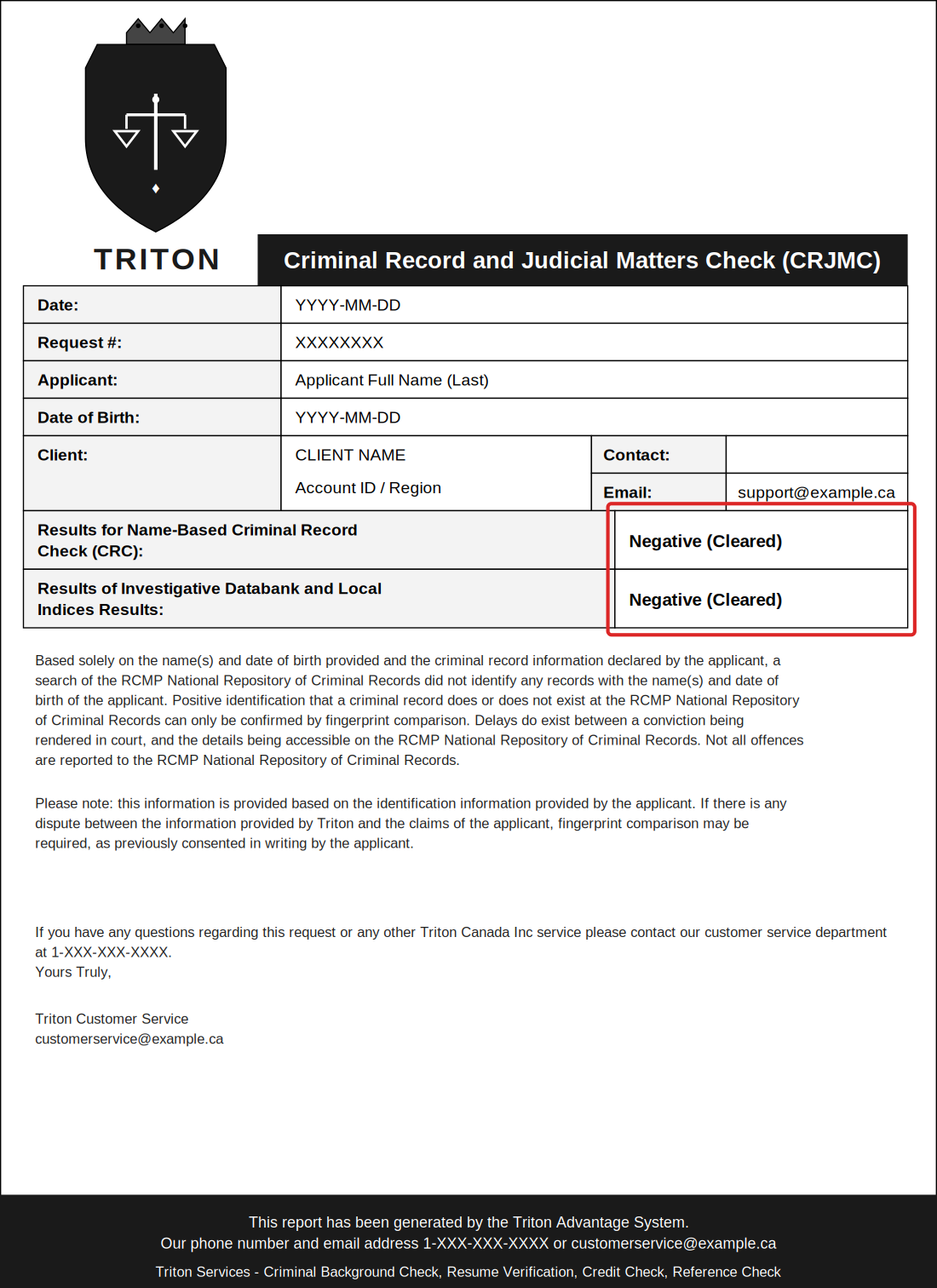
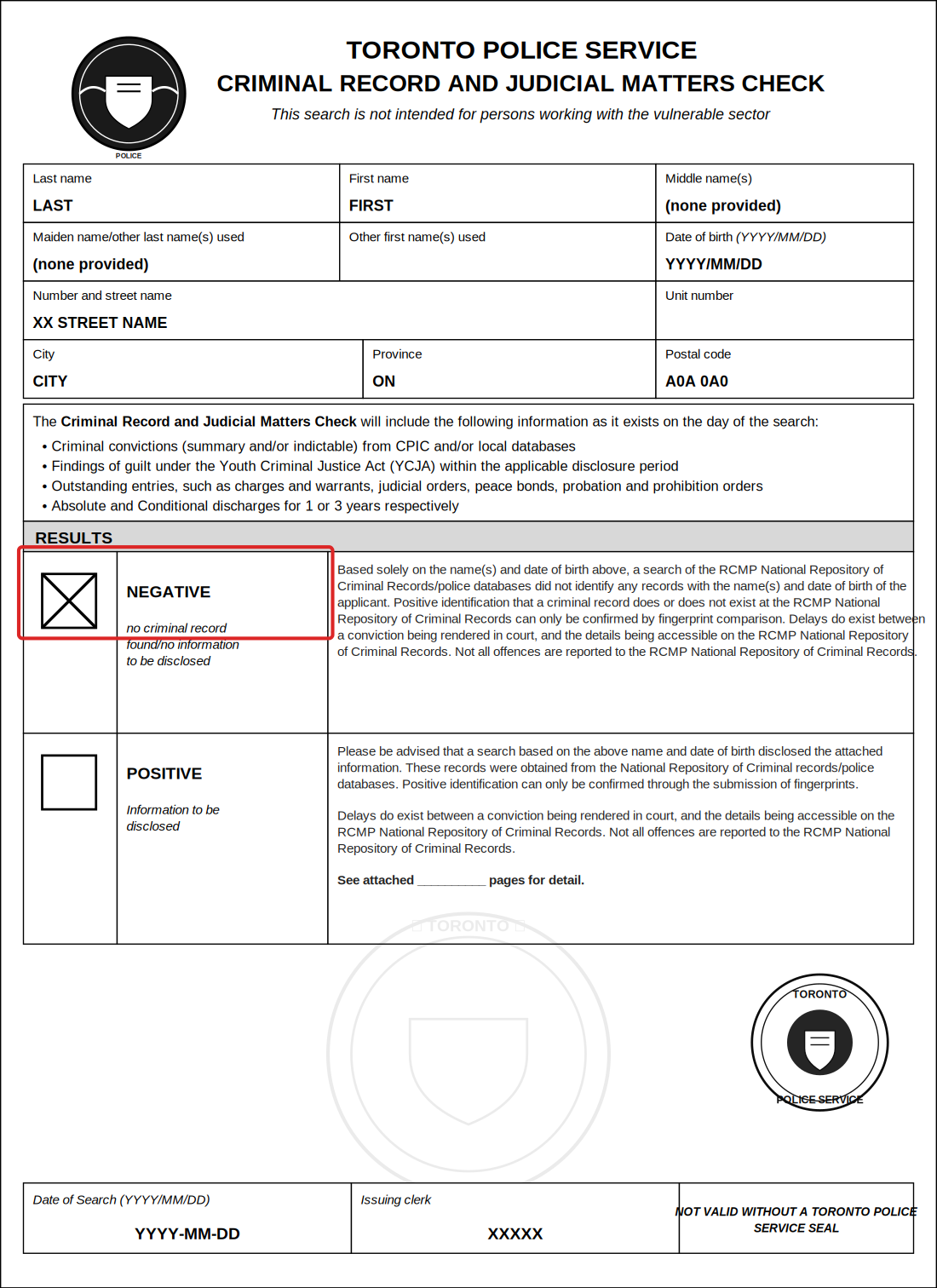
HOVR requires a Level 2 Criminal Background and Judicial Matters Check (CRJMC).
Important: A basic Level 1 check or a standalone driver abstract will not satisfy this requirement on its own. You must provide the document that explicitly states it is a "Criminal Record and Judicial Matters Check."
How do I get a copy of my existing background check?
If you have recently completed a screening for another rideshare company, you can retrieve your results digitally:
-
Search your email: Look for the third-party company that performed the check.
Uber: Search for "Triton"
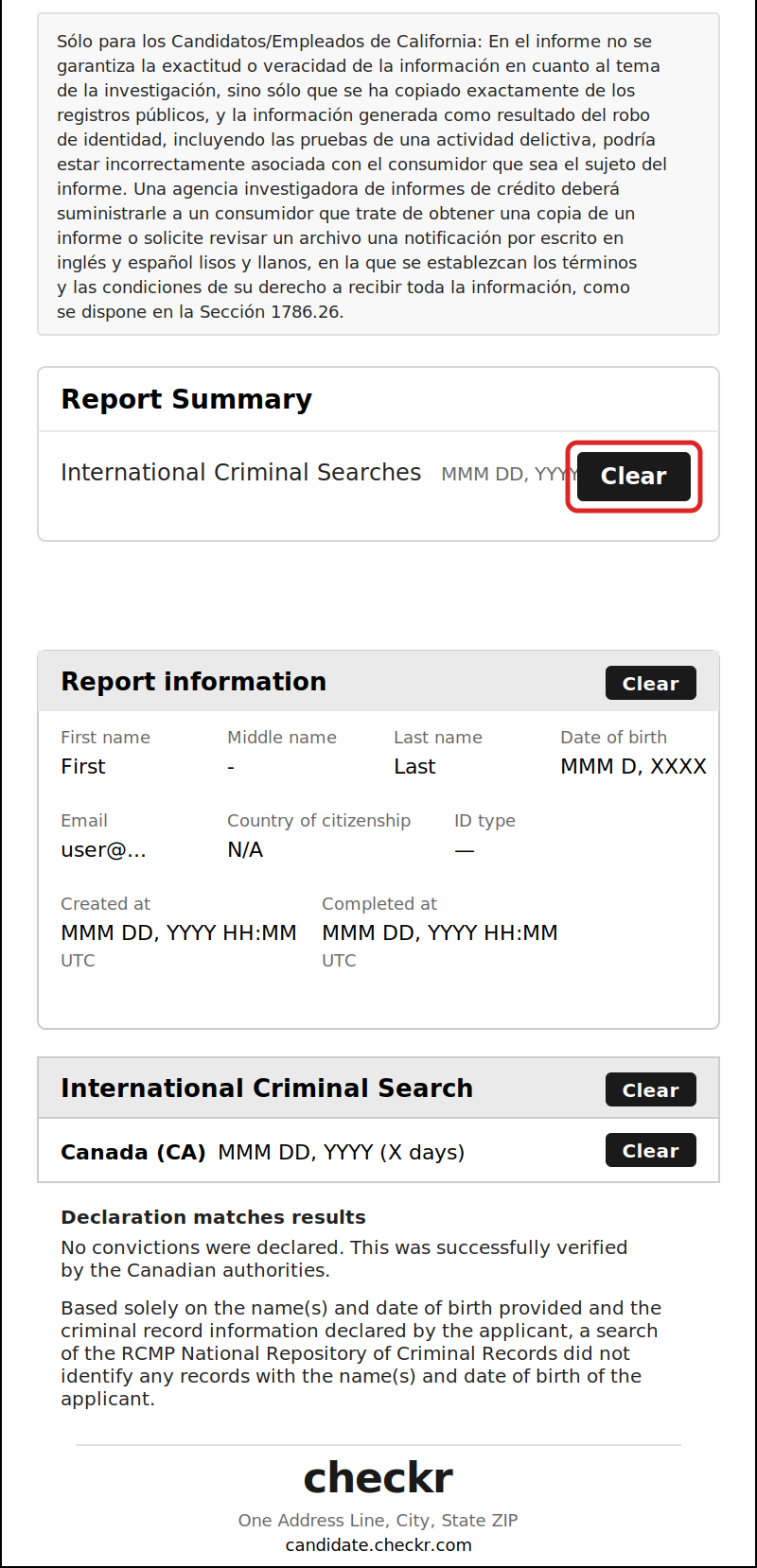
Lyft: Search for "Checkr"
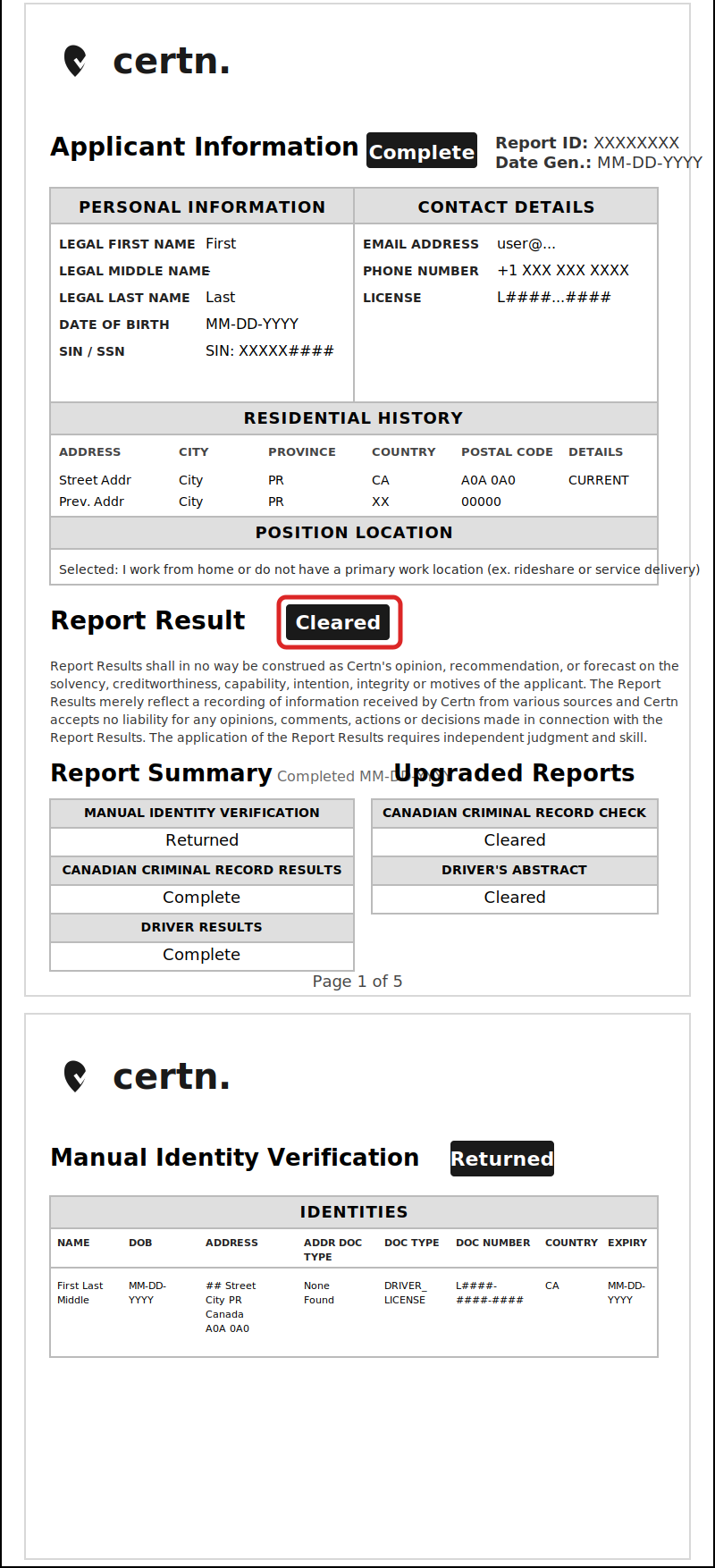
Hopp: Search for "Certn"
Identify the correct email: You will likely receive two separate emails at the same time. One contains your Driver Abstract, and the other contains your Criminal Background Check. Open the one labeled for the background check.
Access the PDF: Tap the PDF icon or the link within the email. You may be prompted to complete an "Online Validation" (such as a CAPTCHA) to prove you are not a robot.
Screenshot: Once the PDF opens, ensure it says "Negative" or "Cleared." Take a high-quality screenshot.
How do I submit it to HOVR?
Once you have retrieved your document, crop the image or save the PDF clearly and upload it through the HOVR driver portal.
Requirement: The background check must be the latest one completed. Expired or old checks will not be accepted.
Alternative: If you do not have a recent check from another provider, you can obtain a new Level 2 check from your local police service.
How long does it take to process?
If retrieving an existing check digitally, you can have your document ready in minutes. Once submitted to HOVR, our team typically completes the review within 24 Hours.
Can I drive while my check is processing?
No — you must be fully approved, including a passed background check, before going online.
Why was my background check rejected?
Common reasons:
- Document is too old (issued more than 1 year ago)
- Wrong type of check (e.g., Driver Abstract)
- Result is not visible — the page showing "Cleared" / "Negative" wasn't included
- Not issued by an accepted provider — checks from non-listed third parties may not be accepted
- Name mismatch with your HOVR application that wasn't explained
- Document is a screenshot of low quality
- Document appears edited or tampered with
If your submission was rejected, follow up with our team — in most cases we can advise whether you need a fresh check or just to resubmit a clearer copy.